
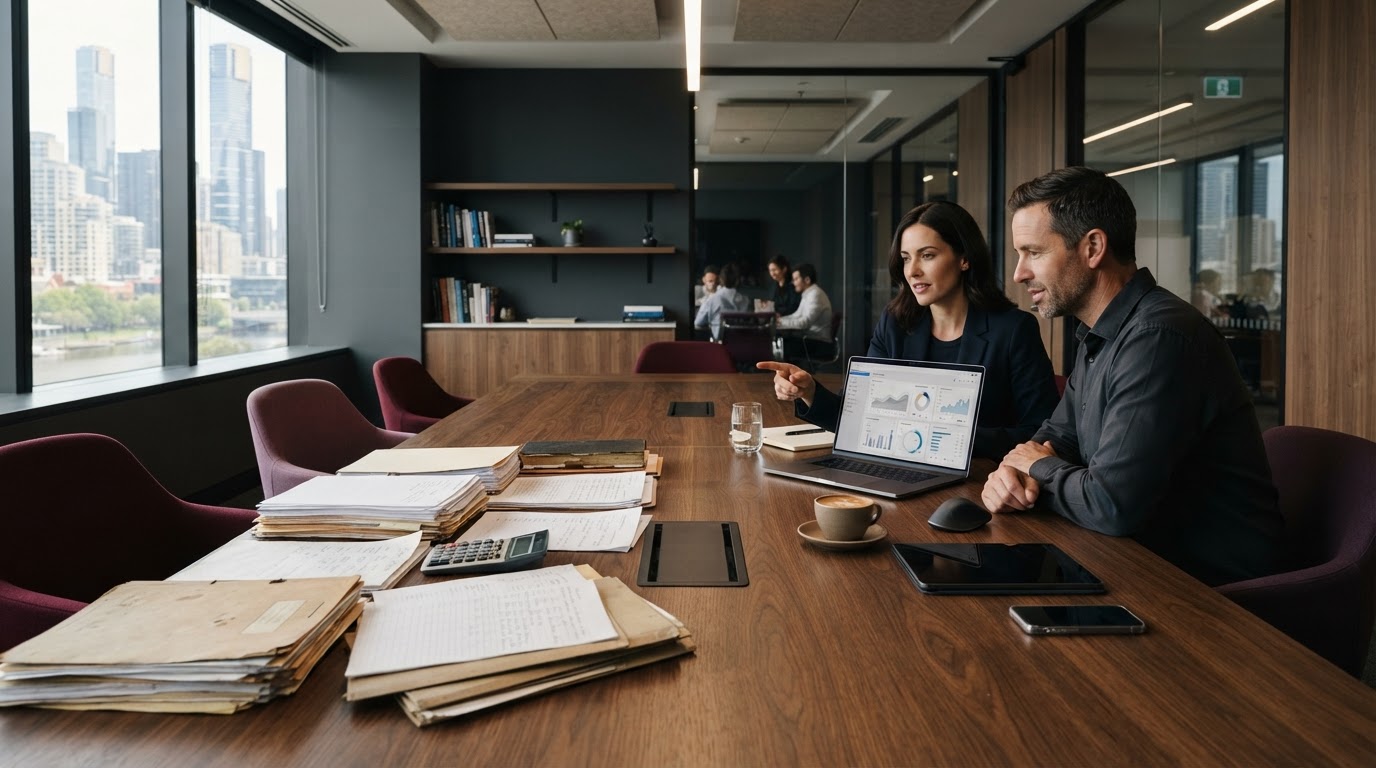
Legacy software modernisation does not always mean replacing everything. For Australian businesses, the right first step may be to upgrade a reliable system, connect disconnected applications or carefully replace technology that no longer supports the business. This guide explains how to make that decision, what to budget for and how to reduce the risks.
Many Australian businesses have software that has supported day-to-day operations for years. It may handle stock, customer records, bookings, finance or internal approvals. But over time, staff begin exporting spreadsheets, entering the same information twice and finding workarounds for tasks that should be straightforward.
The important question is not how old the system is. It is whether it remains secure, supportable and useful as your business changes.
What is legacy software modernisation?
Legacy software modernisation is the process of improving an existing application or IT system so it can support current business needs. It can involve upgrading software, connecting systems through APIs, improving the interface, moving to supported infrastructure or replacing an application that is no longer practical to maintain.
For most businesses, there are three realistic choices: upgrade, integrate or replace. The best option depends on the system’s condition, cyber risk, business requirements and the cost of making changes. A practical legacy software modernisation plan starts with these trade-offs, not with a preferred technology.
Legacy software modernisation: upgrade, integrate or replace?
| Option | When it makes sense | Main consideration |
|---|---|---|
| Upgrade | The core system still works and has a supported path forward | Compatibility, downtime and testing |
| Integrate | Useful systems cannot share information efficiently | Reliable APIs, security and data ownership |
| Replace | The system is unsupported, unreliable or fundamentally unsuitable | Migration, staff adoption and business continuity |
A phased approach is often more practical than a large one-off transformation. Solve the most expensive or risky workflow first, measure the result and use that evidence to plan the next step.

Six signs your business has outgrown its software
- Staff re-enter the same information across accounting, CRM or inventory systems.
- Producing accurate management reports takes repeated manual exports.
- Important changes rely on one developer or an undocumented workaround.
- The system has limited integration options or no usable API.
- Security updates or vendor support have ended.
- The application slows down customer service or prevents teams from working efficiently.
The security issue deserves particular attention. The Australian Cyber Security Centre’s guidance on legacy IT explains why unsupported technology creates cyber, operational and financial risk, and recommends planning replacement alongside interim risk-reduction measures.
Option 1: Upgrade a system that still delivers value
An upgrade may be the simplest route if staff know the software, its features match business needs and its vendor or development team can maintain it. An upgrade could mean moving to a supported version, improving performance, rebuilding a difficult interface or strengthening security controls.
Before proceeding, confirm which custom features might break, how data will be backed up and who will test core workflows such as quoting, ordering and invoicing. A successful technical upgrade should make everyday work better—not introduce new operational problems.
Option 2: Integrate the applications you already use
Many teams do not need another platform. They need their existing platforms to communicate. For example, an Australian wholesaler might receive orders through an eCommerce website, track stock separately and manage customer updates in a CRM. Employees end up moving information between systems.
Where the applications are supported, an API integration or carefully managed data-sync process can reduce duplicated effort and improve visibility. The right design should also explain what happens when a connection fails, which system owns each data field and who can access sensitive information.
Related reading: Why Australian SMEs Need Connected Digital Systems, Not Just More Software.
Option 3: Replace a system that is holding the business back
Replacement becomes more sensible when the application cannot be supported securely, needs expensive workarounds or no longer fits essential processes. That does not automatically mean custom software. For common needs, a well-chosen SaaS platform may be faster and less costly to maintain.
Custom software is worth considering when a business has distinctive workflows, specialised reporting or integrations that standard products cannot handle reasonably. Start by identifying the features that genuinely matter. Recreating every outdated screen and process often carries unnecessary cost into the new platform.
What does legacy software modernisation cost in Australia?
The cost of legacy software modernisation in Australia depends on the existing application and the work involved. There is no useful fixed price without an initial assessment. The budget may include discovery, design, development or licences, integration, data cleaning and migration, security testing, staff training and ongoing support.
The main cost drivers are usually the quality of the existing code, number of connected systems, condition of historical data and the need to keep operations running during the transition. Rather than comparing headline quotes alone, ask providers for a scoped assessment, assumptions, exclusions and acceptance criteria.
If you are weighing a new application against improving the current one, our guide to custom software development costs in Australia provides useful additional context.
A practical five-step modernisation plan
- Assess: Map your systems, critical workflows, known issues, data dependencies and security concerns.
- Prioritise: Select the problem that creates the greatest business cost, delay or risk.
- Compare: Evaluate upgrading, integrating, adopting SaaS and commissioning custom software.
- Pilot: Test a small release with real users, representative records and realistic failure scenarios.
- Transition: Migrate and verify data, train staff, document the process and monitor outcomes.
Decide how you will measure success before development begins. Useful measures include hours spent on manual data entry, order-processing time, reporting errors, support requests and system reliability.
How Workspace InfoTech Australia can help
Workspace InfoTech Australia Pty Limited works with Australian businesses on custom software development, web and mobile applications, quality assurance and related technology services. These capabilities can support a structured approach to improving existing digital systems or developing a replacement where it makes commercial sense.
A useful first conversation starts with the workflow, not a particular technology. What currently takes too long? Which systems need to share information? What data must remain accurate? And what improvement would be valuable enough to justify the project?
Learn more about our software development services or contact our Melbourne team to discuss your requirements.
Frequently asked questions about legacy software modernisation
What is the difference between legacy software modernisation and replacement?
Modernisation is the broader process of making existing technology fit current needs. Replacement is one possible approach. An upgrade or integration may achieve the required improvement without retiring the original system.
Can legacy software be connected to modern cloud tools?
Sometimes. It depends on available APIs, data formats, vendor support and security controls. Unsupported systems should be assessed carefully before adding new connections.
How long does a software modernisation project take?
A focused upgrade or integration may be easier to deliver than a system-wide replacement. The timeline depends on technical complexity, data migration, testing and the need to keep business operations uninterrupted.
Should an Australian business choose SaaS or custom software?
SaaS often suits standard processes with common requirements. Custom development may make more sense when critical workflows, permissions or integrations are distinctive and cannot be addressed economically with an existing product.
What should we do before replacing an old business system?
Document essential workflows, confirm ownership and quality of the data, review security exposure, prioritise requirements and plan migration and testing. Do not switch off the old system until the replacement has been verified.
The next step: modernise the problem, not just the technology
Software modernisation should make work simpler, data more dependable and future changes easier. The best starting point is a realistic assessment of the systems your team uses today, the risks they carry and the processes that slow people down.
Considering a software upgrade, integration or replacement? Talk to Workspace InfoTech Australia about a practical starting point for your business.
Workspace InfoTech Australia Pty Limited | Melbourne, Australia | workspaceit.com.au